
Introduction
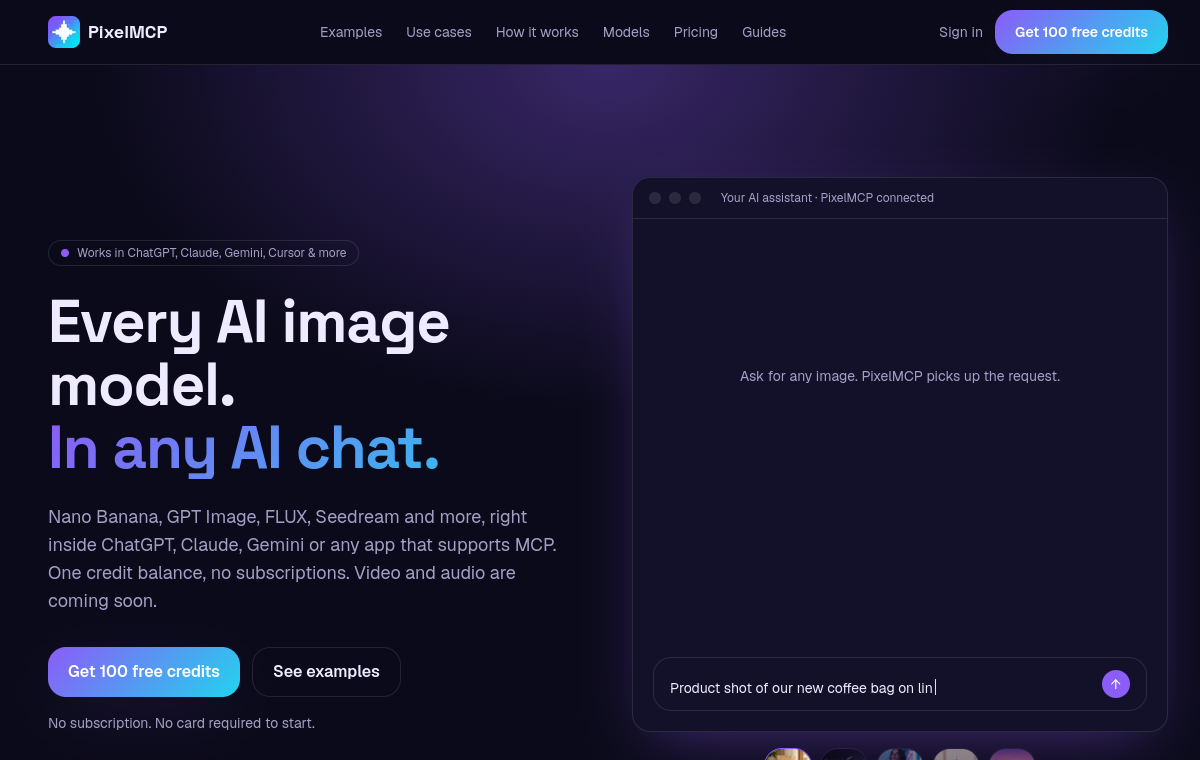
PixelMCP connects several image generation models to any MCP-capable chat client. Instead of managing separate subscriptions, users draw from one credit balance to reach models such as Nano Banana, GPT Image, and FLUX while staying inside their existing assistant. It works with clients such as ChatGPT, Claude, Gemini, and Cursor.
Key Features
- MCP access inside supported chat clients
- Multiple image models behind one interface
- Single shared credit balance
- Works with tools such as ChatGPT, Claude, Gemini, and Cursor
Who is it for
- Chat users who want image generation in place
- Teams avoiding separate model subscriptions
- Developers using MCP clients
What can you do with
- Generate images without leaving your chat client
- Switch between several image models
- Track usage through one credit balance
How does PixelMCP work
- Connect PixelMCP to an MCP-capable client
- Choose a supported image model
- Send the request from your chat
- Spend credits from the shared balance
Pricing
- Check the official website for current pricing and plan details.